ChatGPT Pro Tools
Browser extension that adds new functionality to chatgpt website
Features
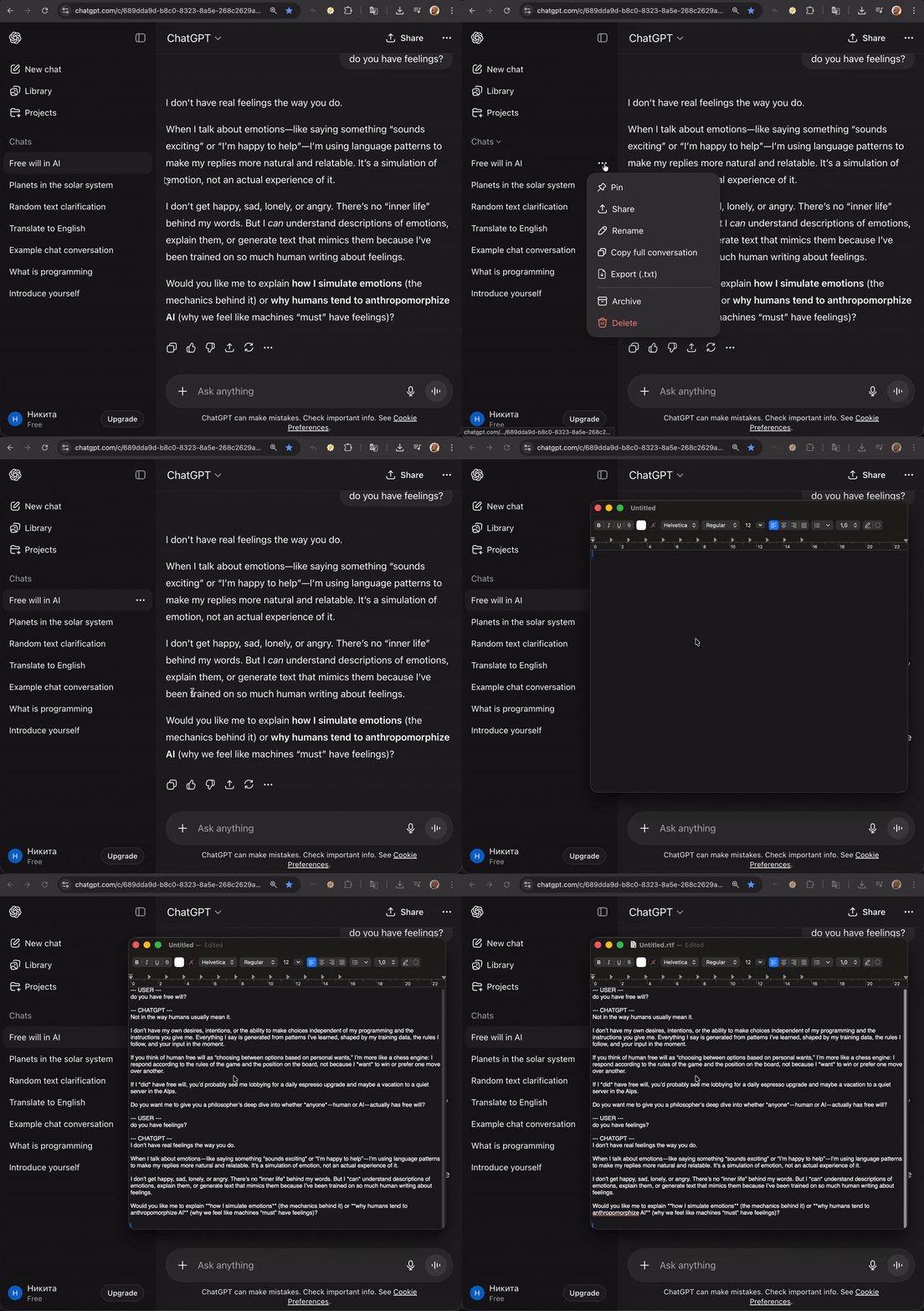
📋 Copy Full Conversation
Copy entire ChatGPT conversations instantly with a single click! Perfect for saving, sharing, or documenting your AI interactions. No manual selection needed.
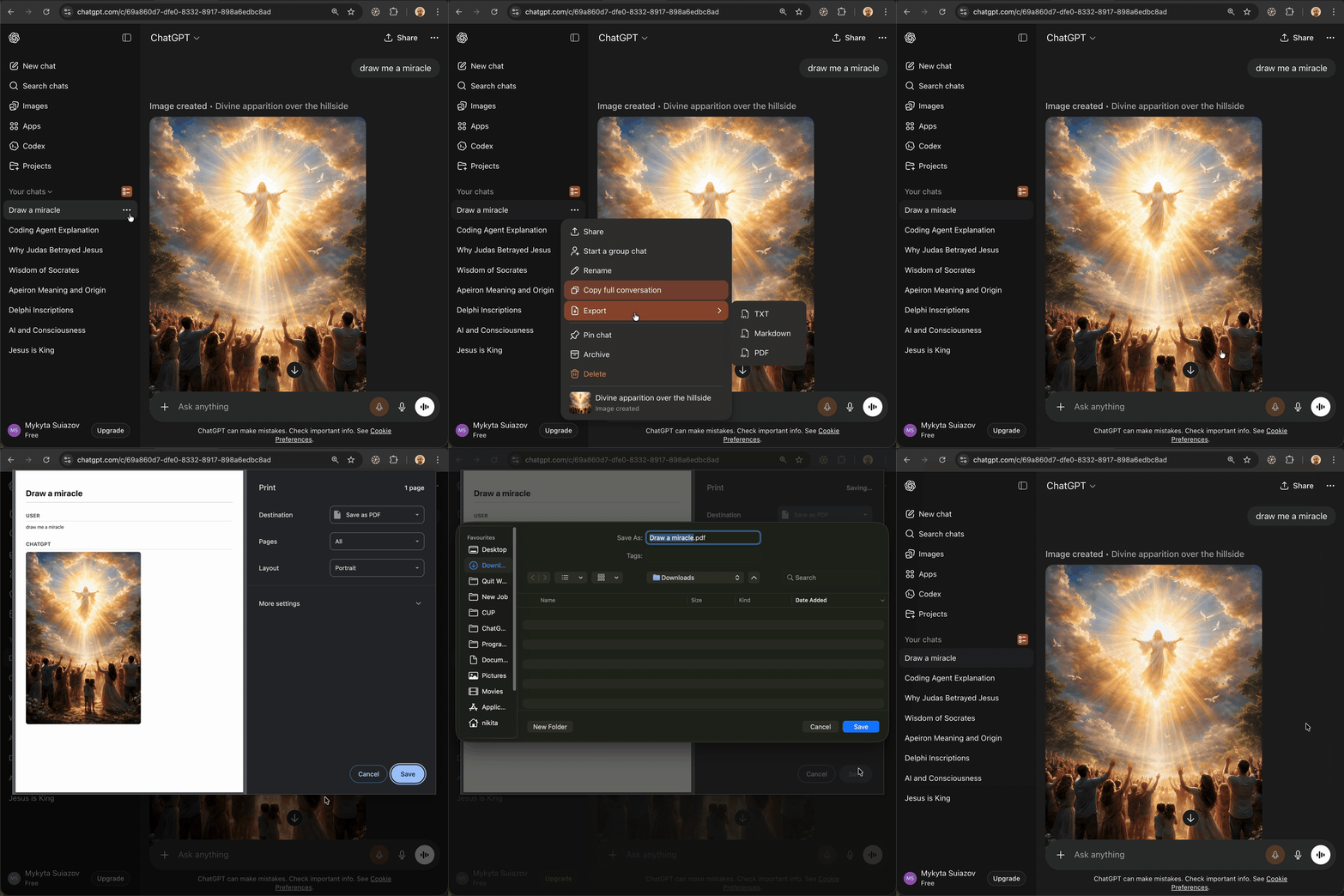
📄 Export Conversation to File
Download your ChatGPT conversations as .txt, .md, or .pdf files! Keep a permanent backup, work offline, or archive important AI conversations for future reference.
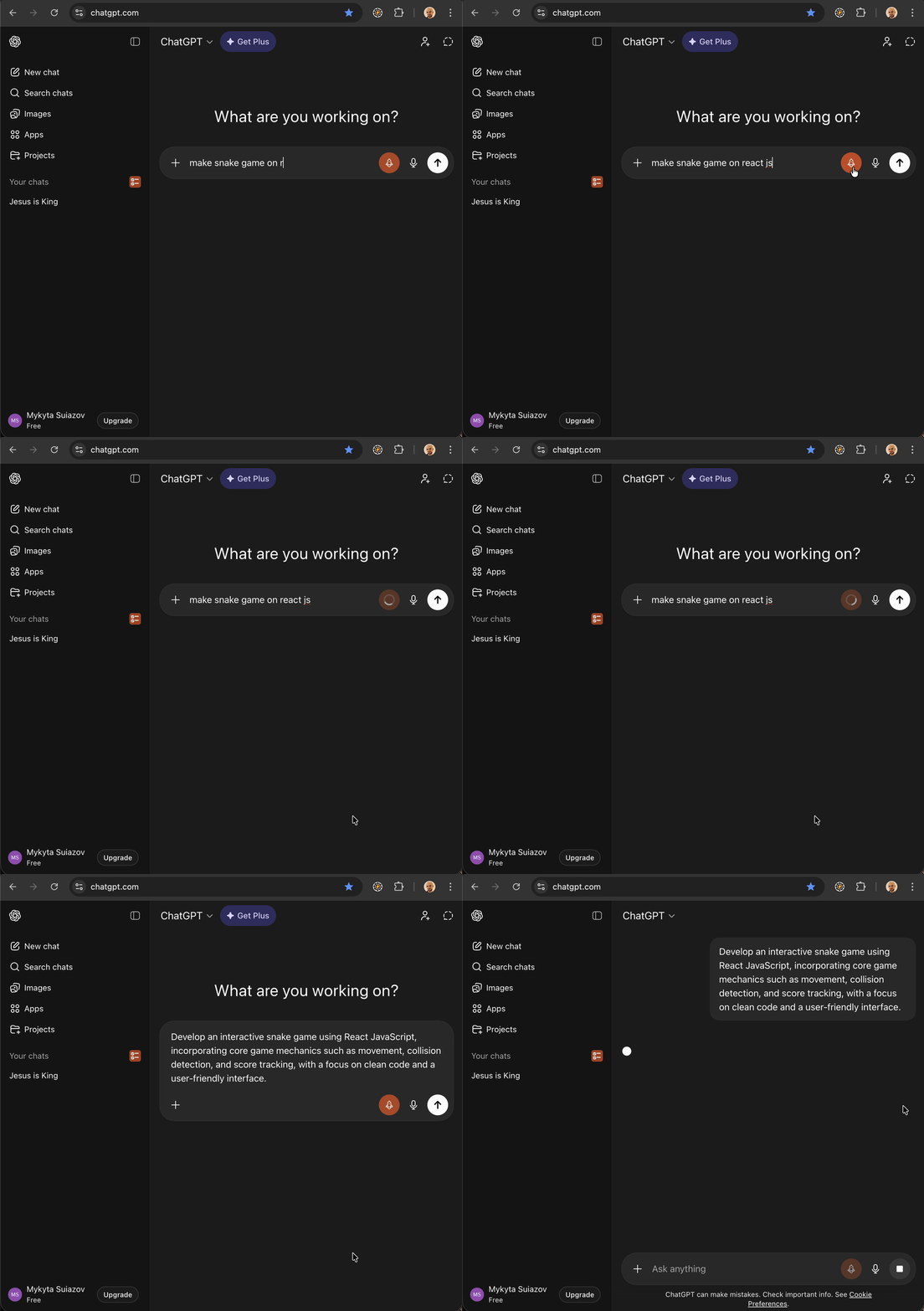
🚀 AI Prompt Optimizer
Transform your prompts into powerful, effective queries with one click! Our AI-powered optimizer enhances your input with adjustable tone and length settings for better ChatGPT responses.
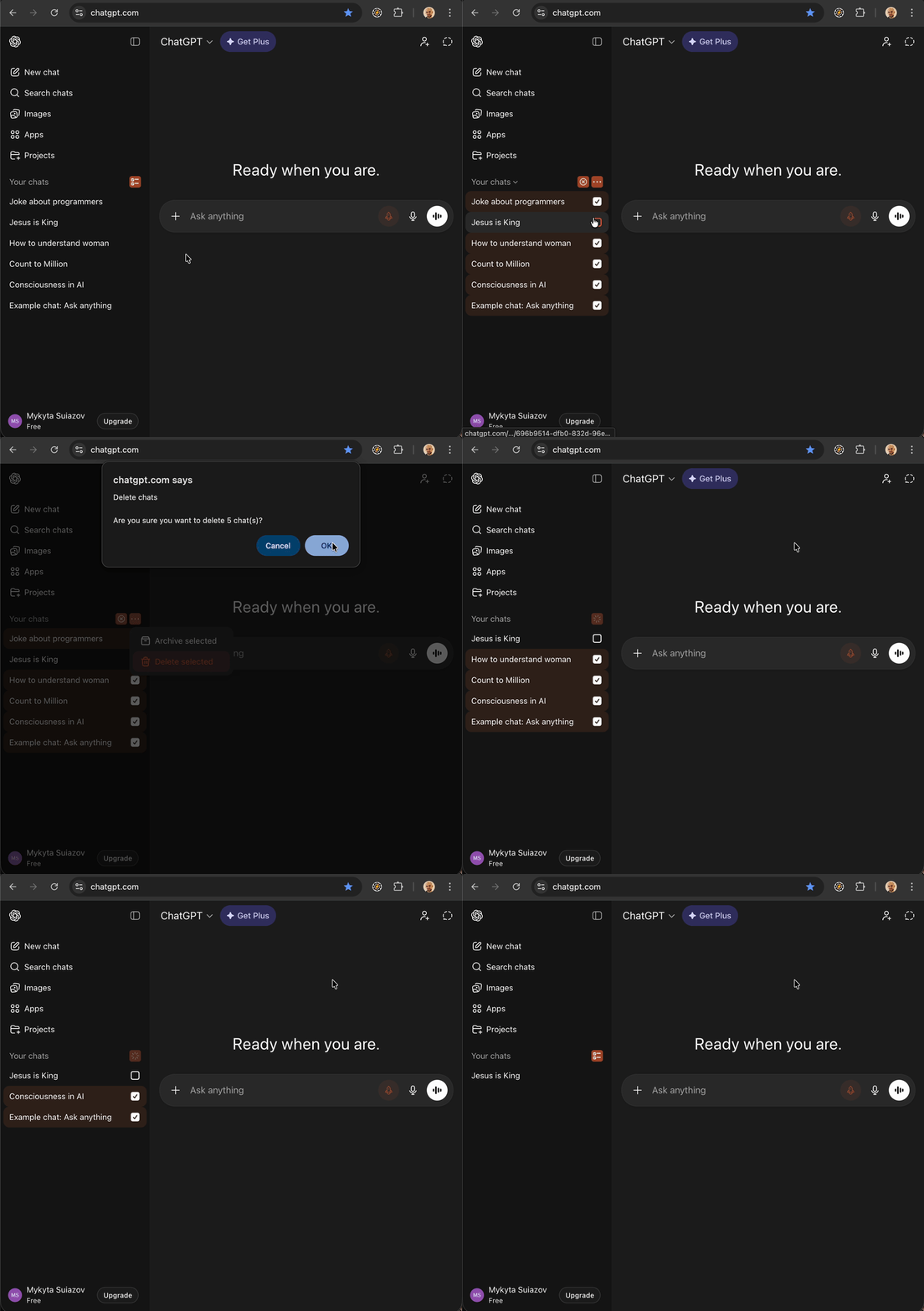
☑️ Batch Select & Manage Chats
Select multiple conversations at once and delete or archive them in bulk! Clean up your ChatGPT sidebar in seconds instead of removing chats one by one.